Breadroll

Watch.
Play. Earn.

Select a journey
01 / START

Start watching

Full feed unlocked
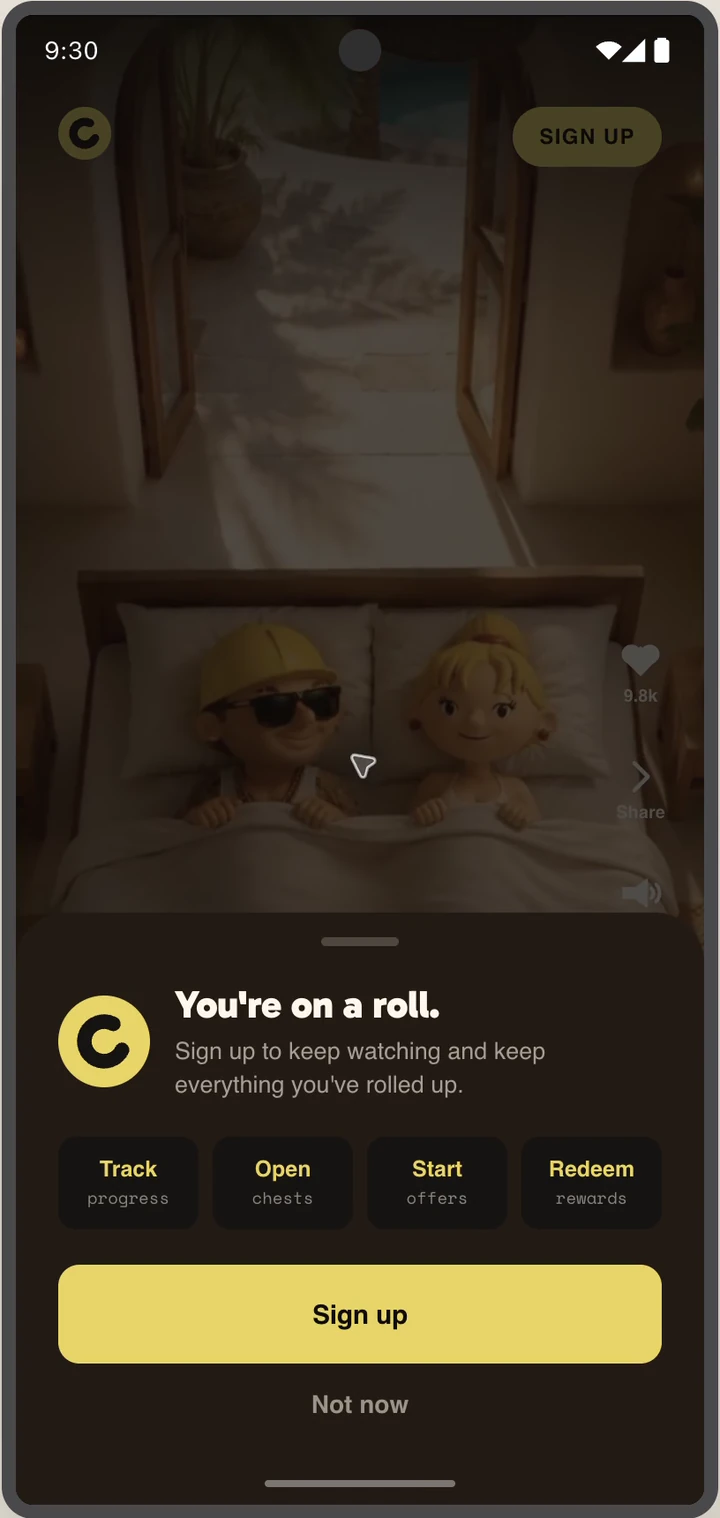
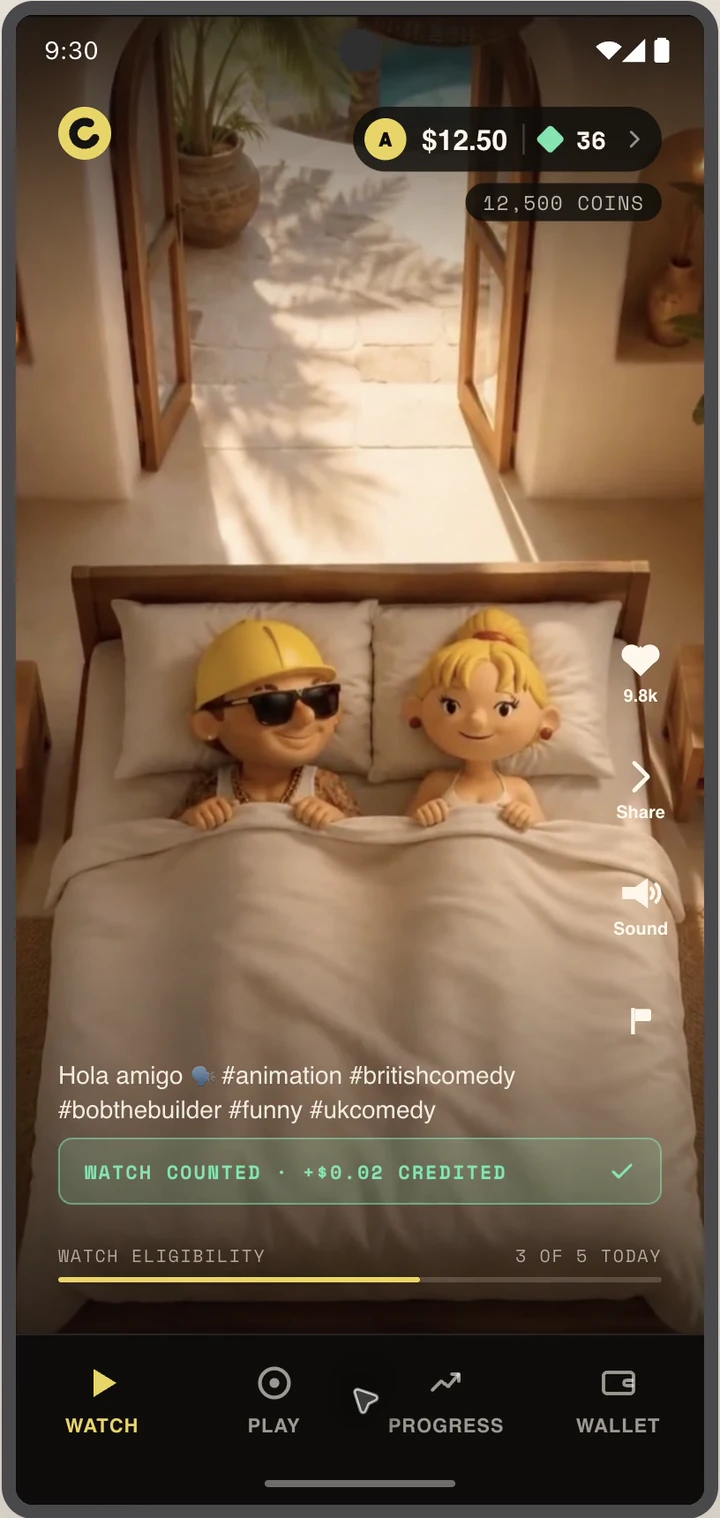
Guest Watch feed
1
Watch a preview
Swipe through videos
Account prompt
2
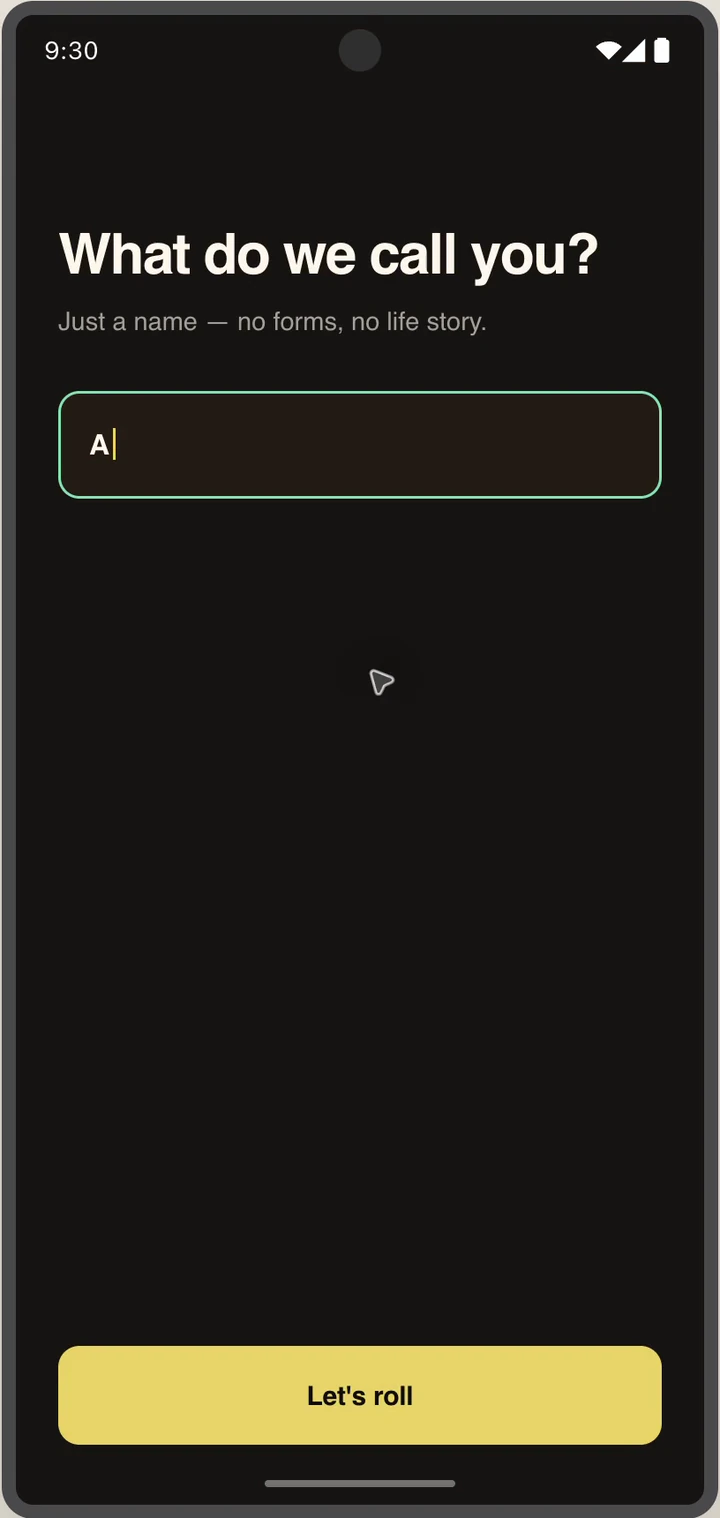
Create an account
Keep progress and earnings
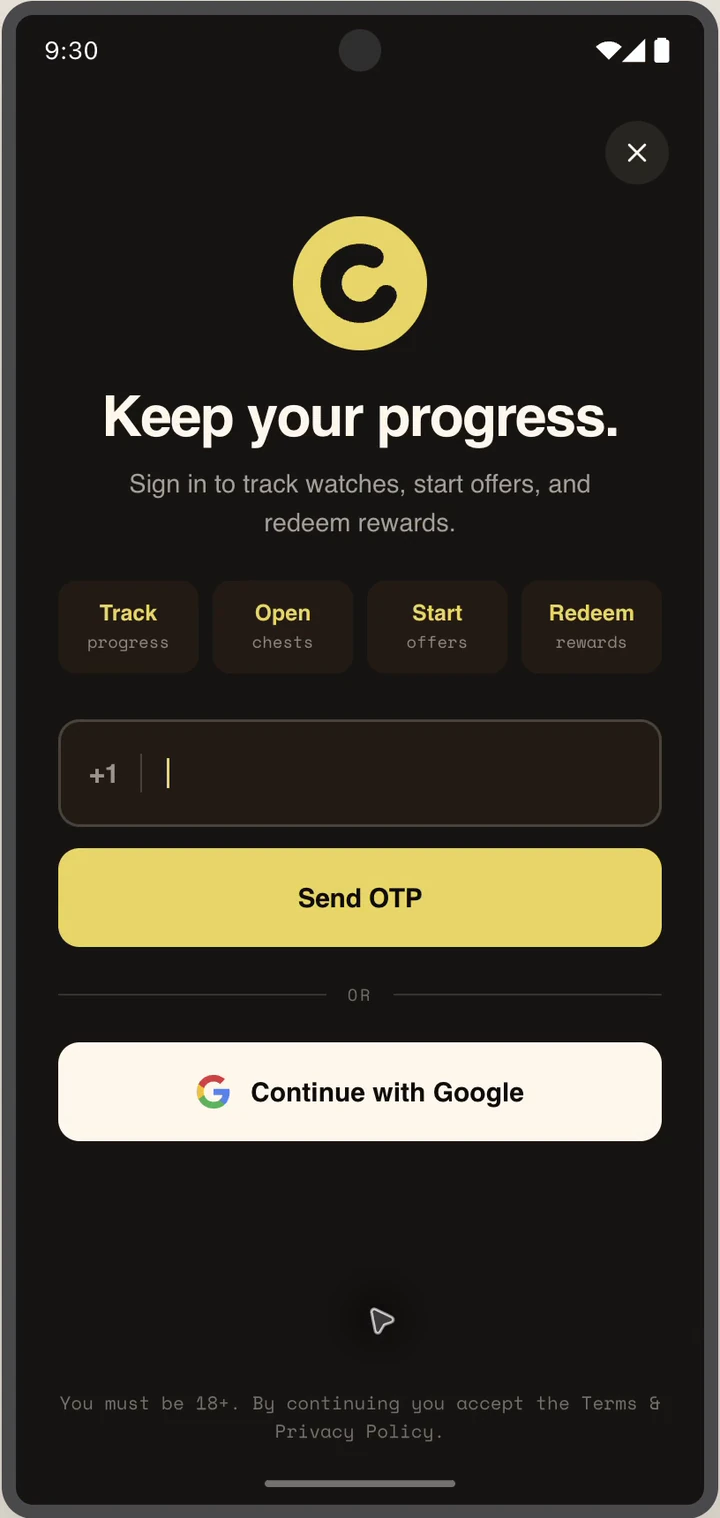
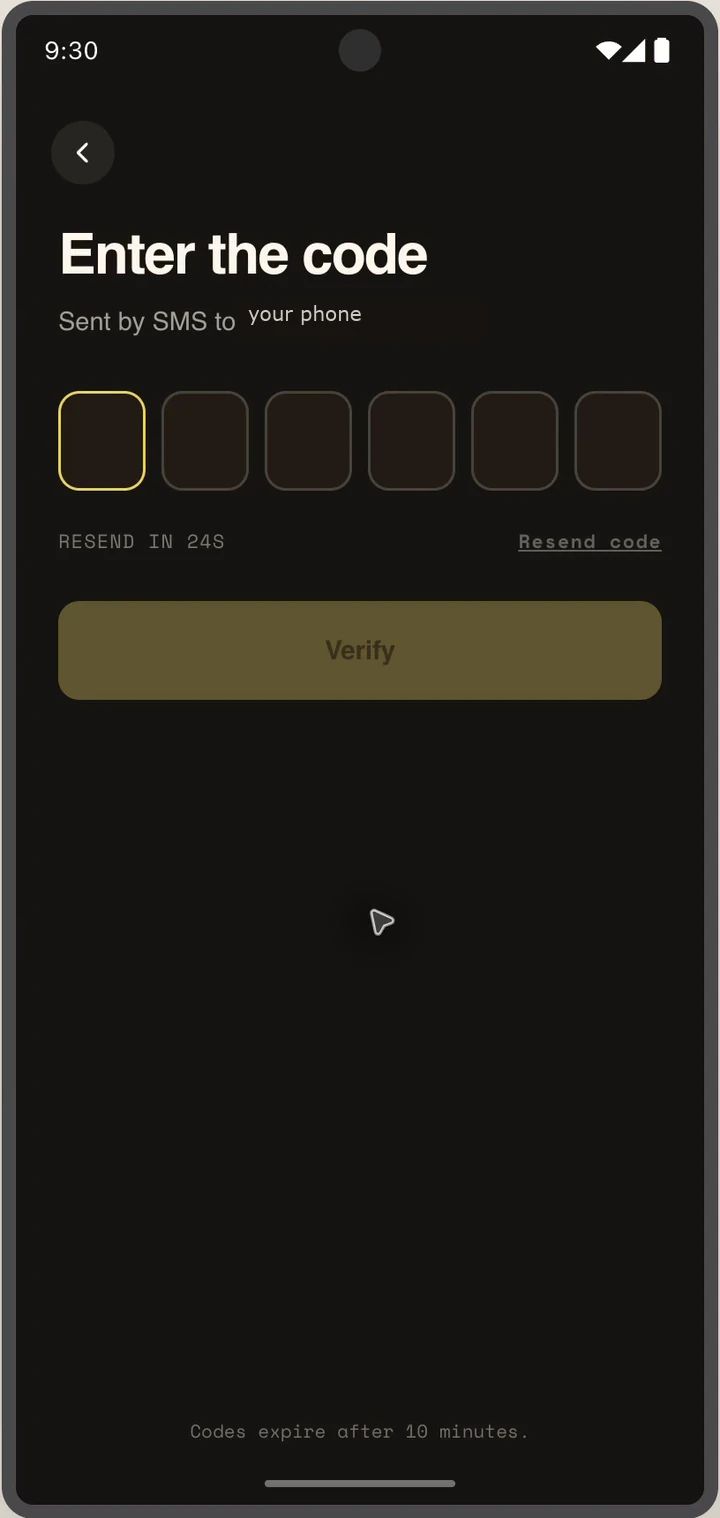
Sign in screen
3
Sign in
Enter a phone number
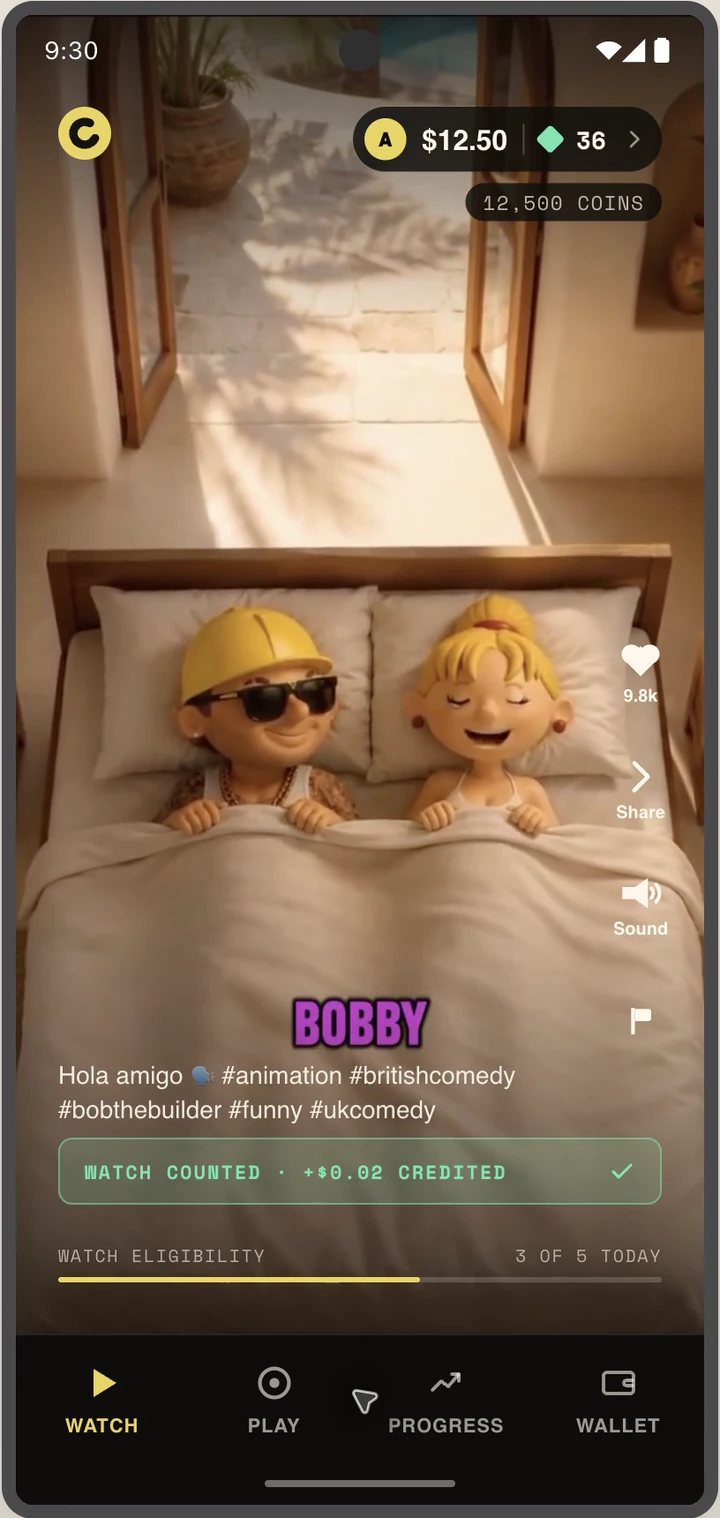
Unlocked Watch feed
4
Keep watching
The full feed is ready
02 / WATCH

Move from Watch to Play

One tap to offer details
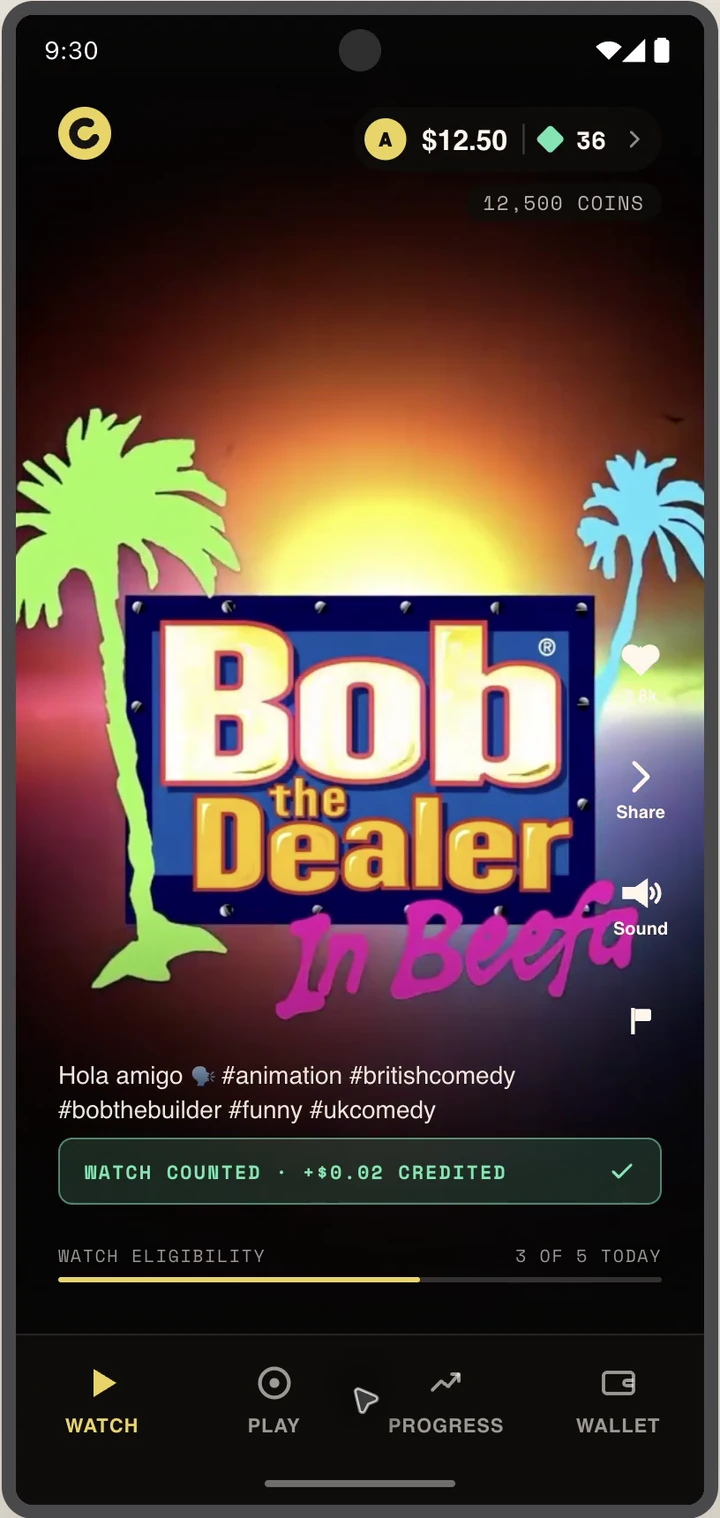
Offer in the Watch feed
1
See an offer
It blends into the feed
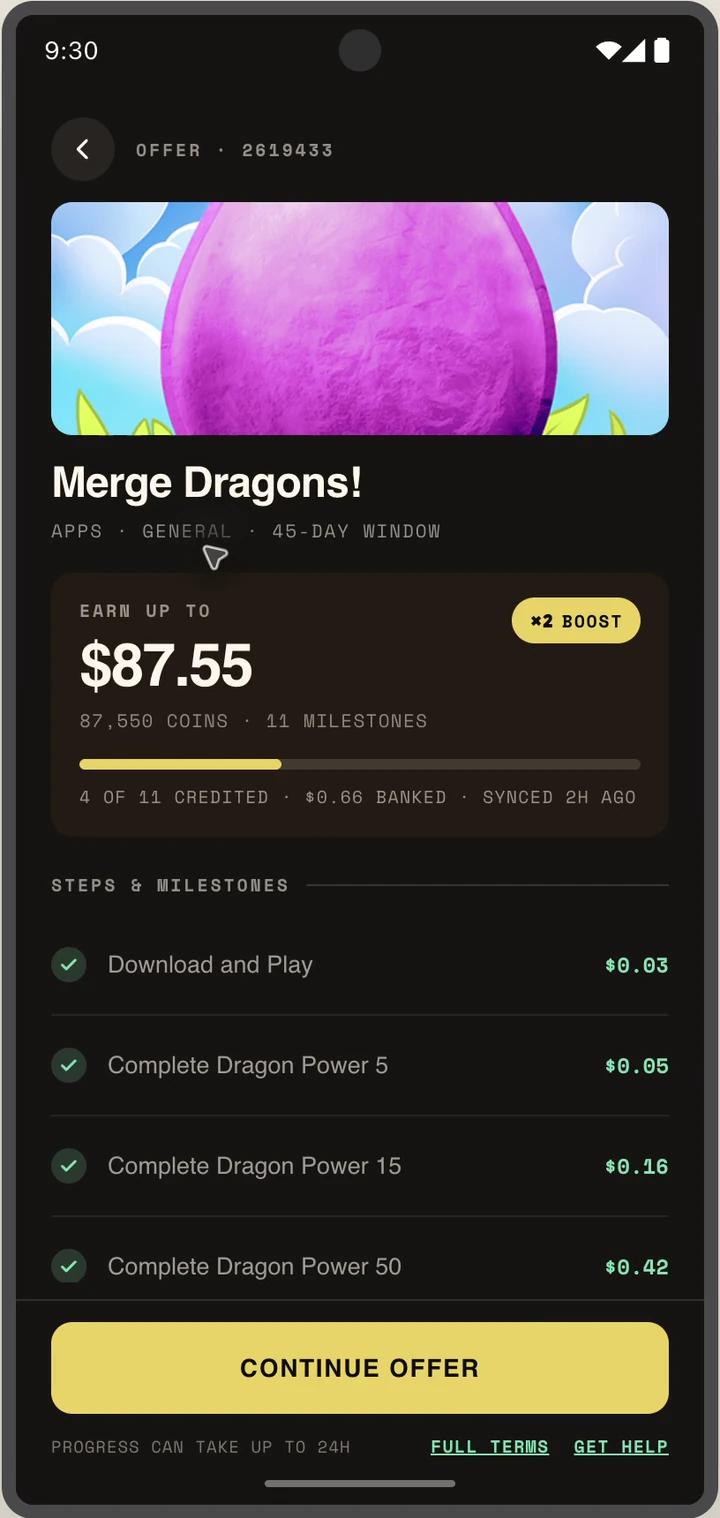
Offer details from Watch
2
Tap Continue
Open the full offer
03 / PLAY

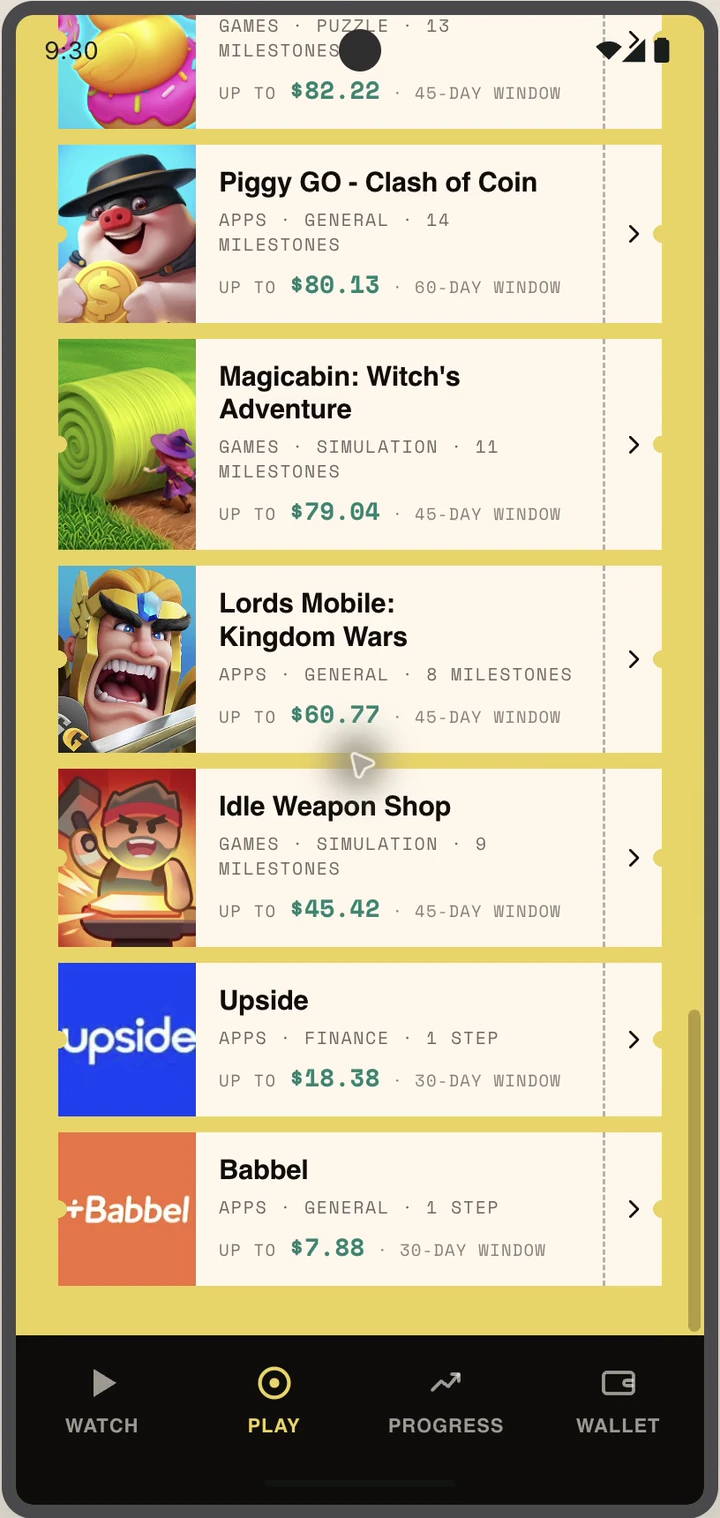
Discover an offer

Choose what to play
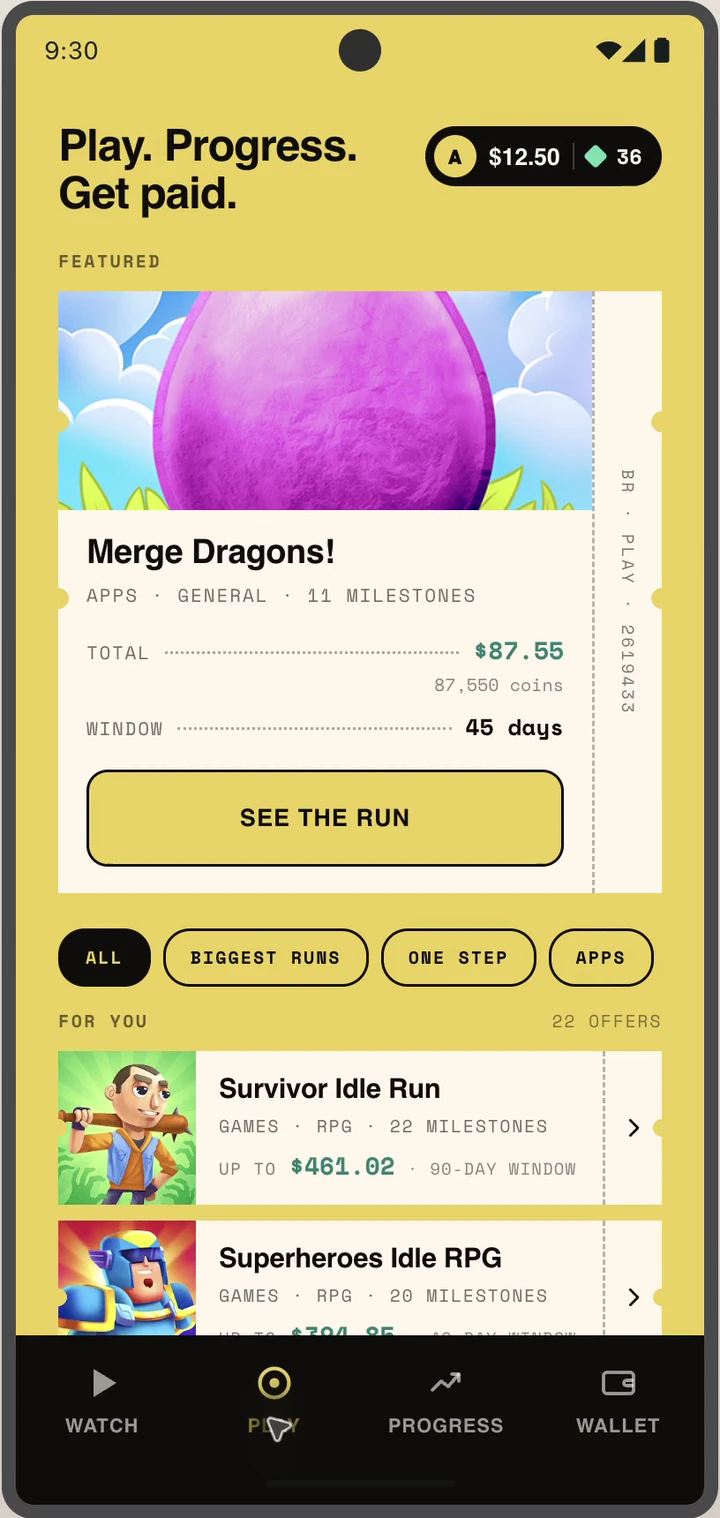
Play screen
1
Browse featured games
Raid leads the carousel
All offers screen
2
See every offer
Open View more
Raid offer details
3
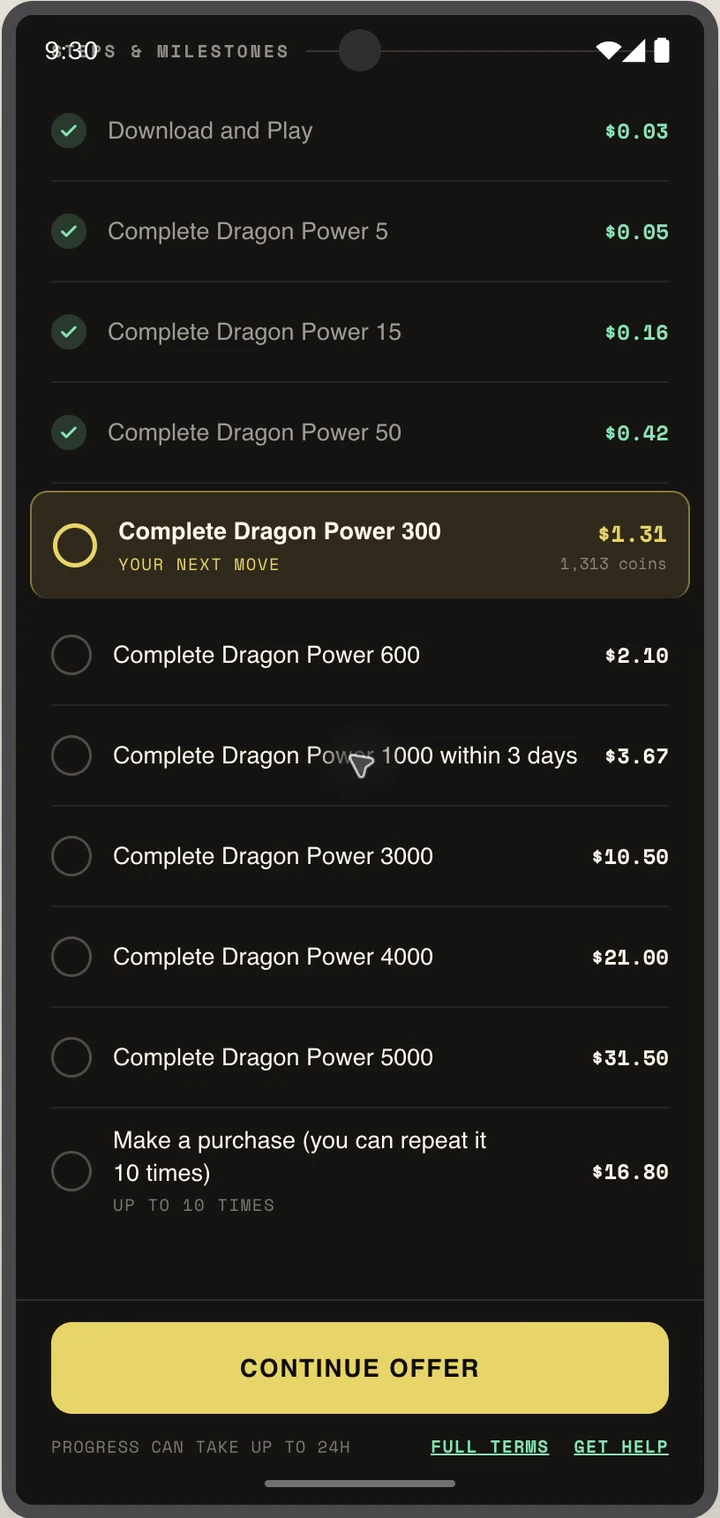
Review milestones
Payout and next steps
04 / PROGRESS

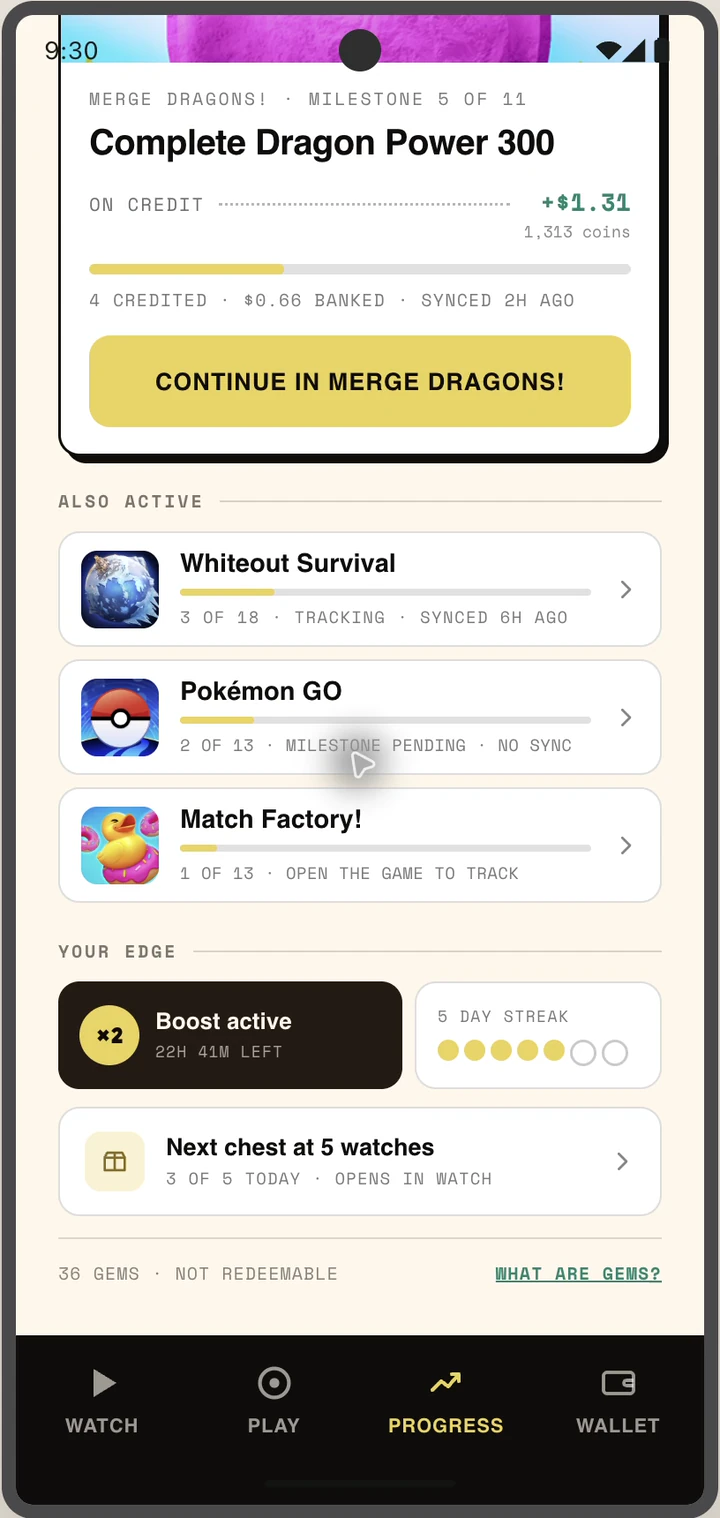
Continue earning

Return to the next milestone
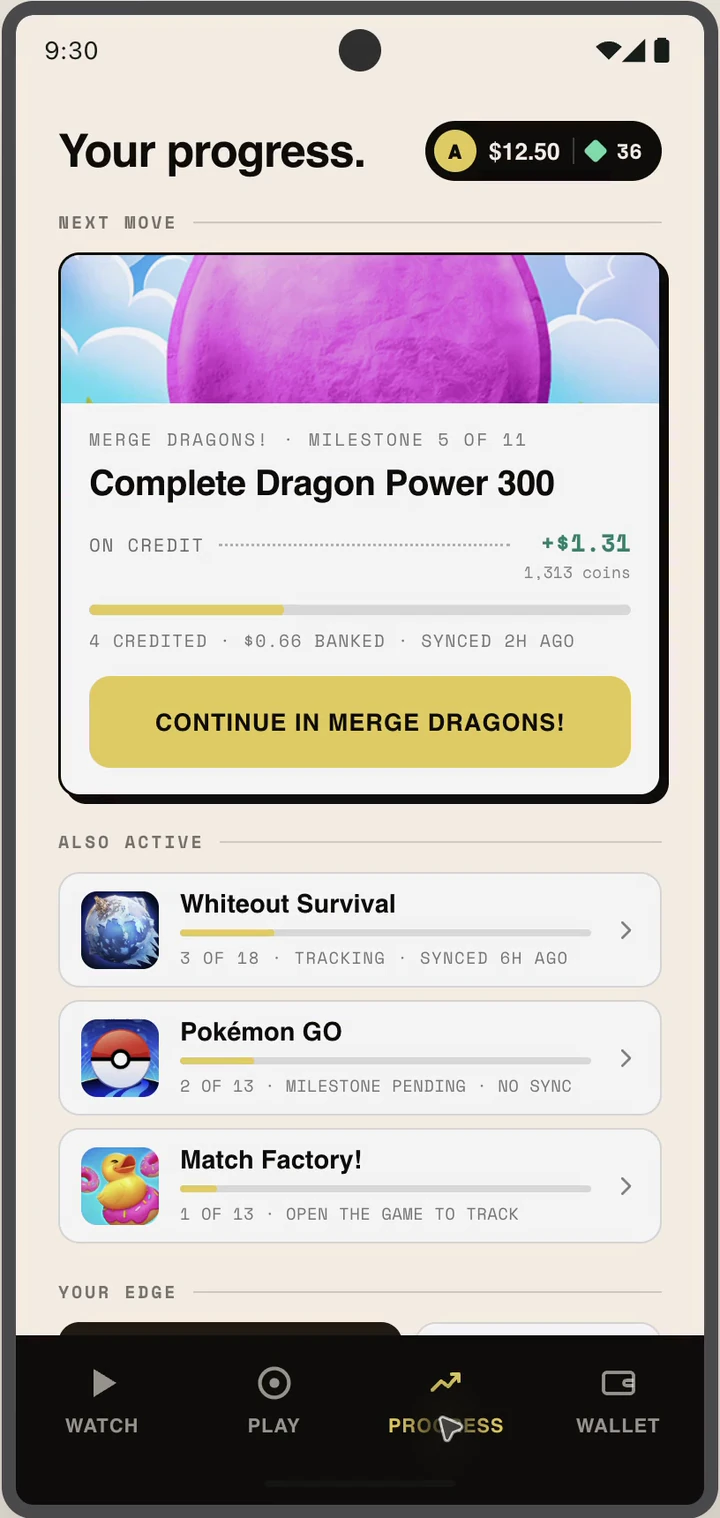
Progress screen
1
Check progress
Active offers stay together
In-progress offer details
2
Continue the offer
Pick up where you left off
Also from Watch
Continue offer in Watch
A
Tap Continue
A natural reminder
Continued offer details
B
See the next milestone
Stay inside Breadroll
05 / REWARDS

Earn while watching

Progress becomes rewards
Watch progress
1
Finish a video
The watch counts
Chest and rewards progress
2
Build toward a chest
Rewards arrive as you watch
Chest opening
3
Open the chest
Reveal a surprise reward
Chest reward revealed
4
See the reward
Then keep watching
06 / WALLET

Cash out

Request received
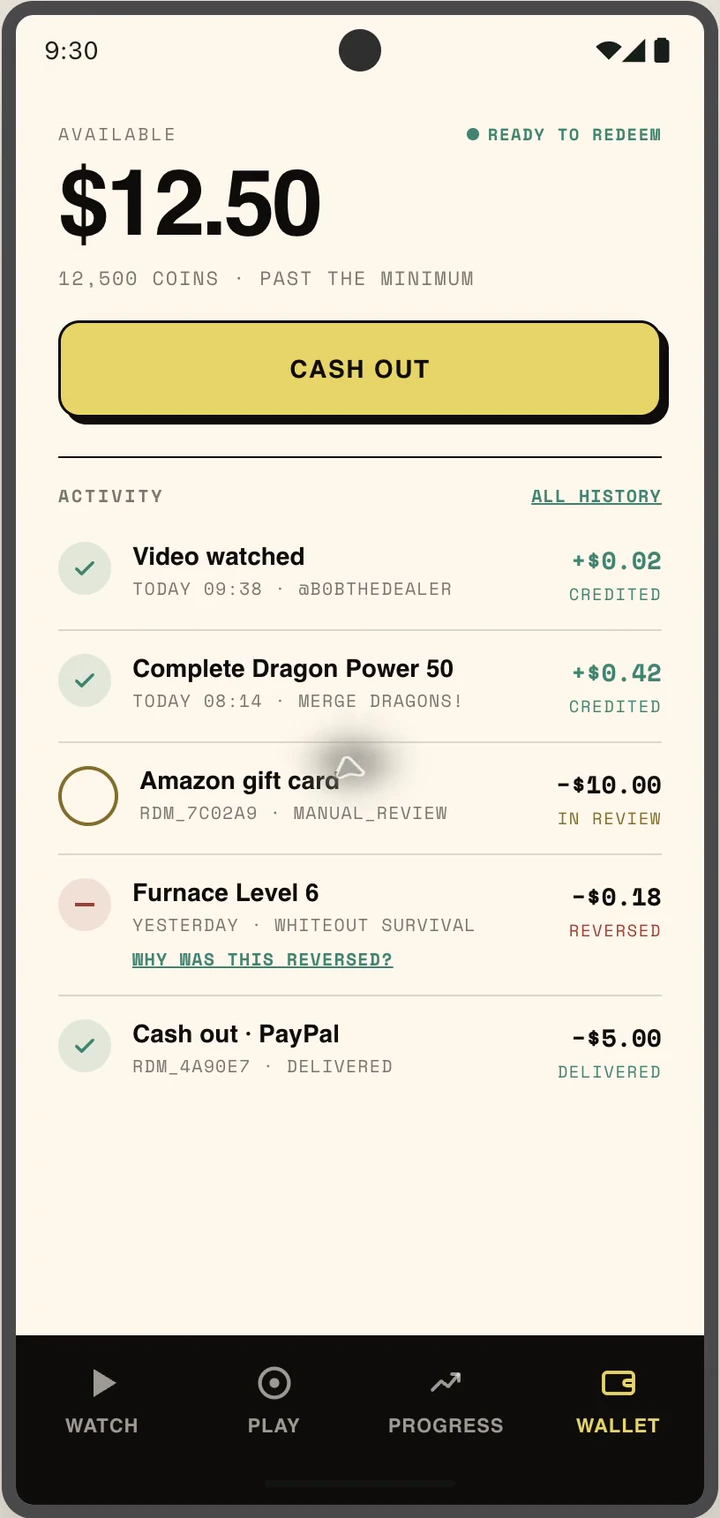
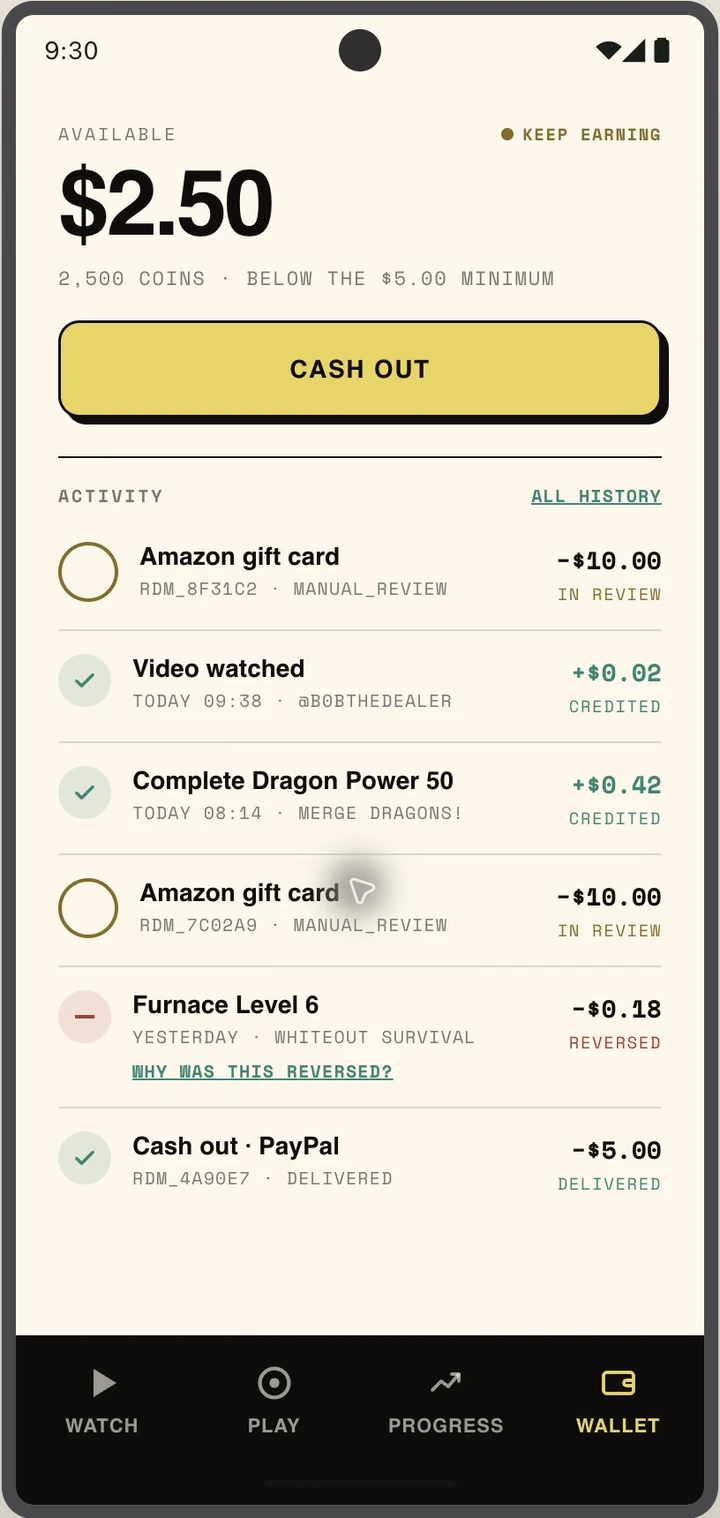
Wallet balance
1
Open Wallet
Balance, gems and activity
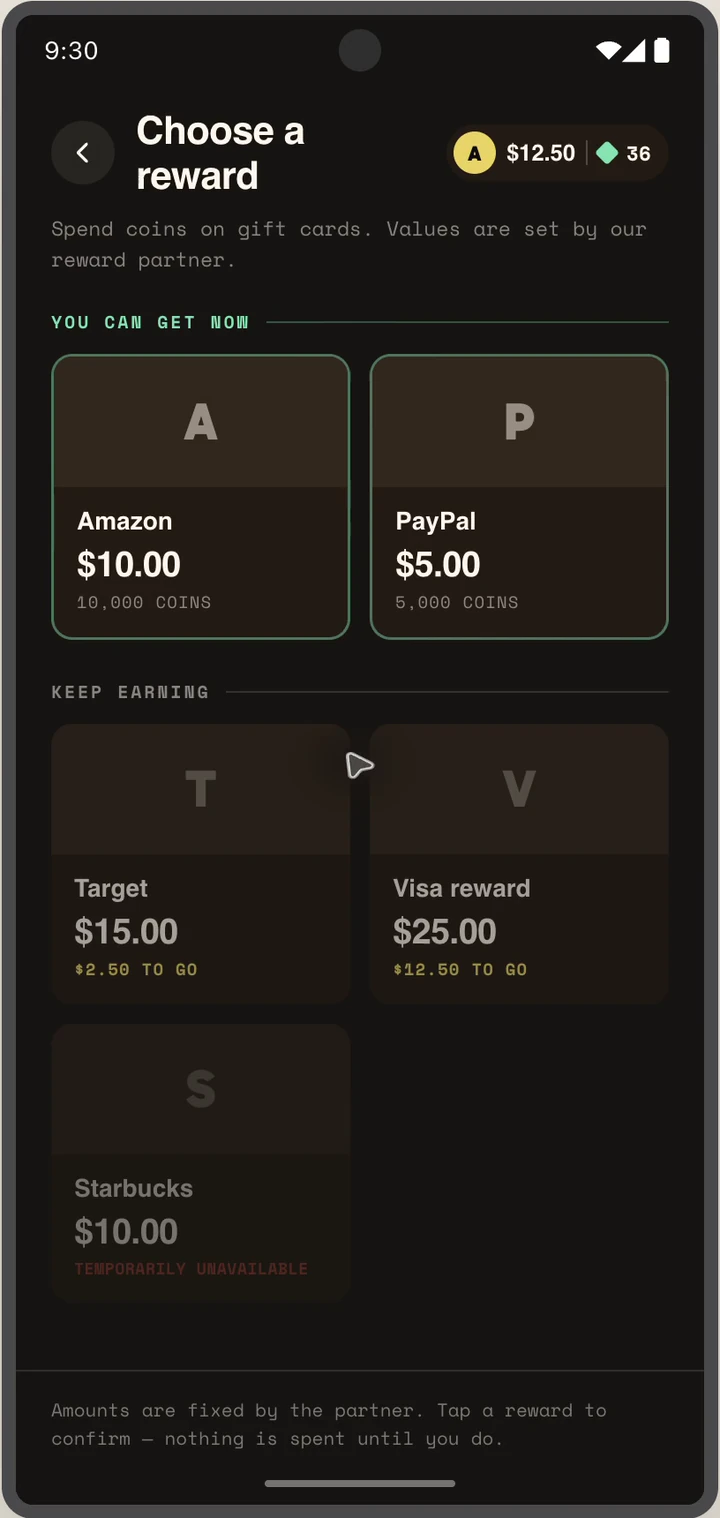
Popular reward choices
2
Choose a reward
Cash or gift cards
More reward choices
3
Browse more choices
US reward catalog
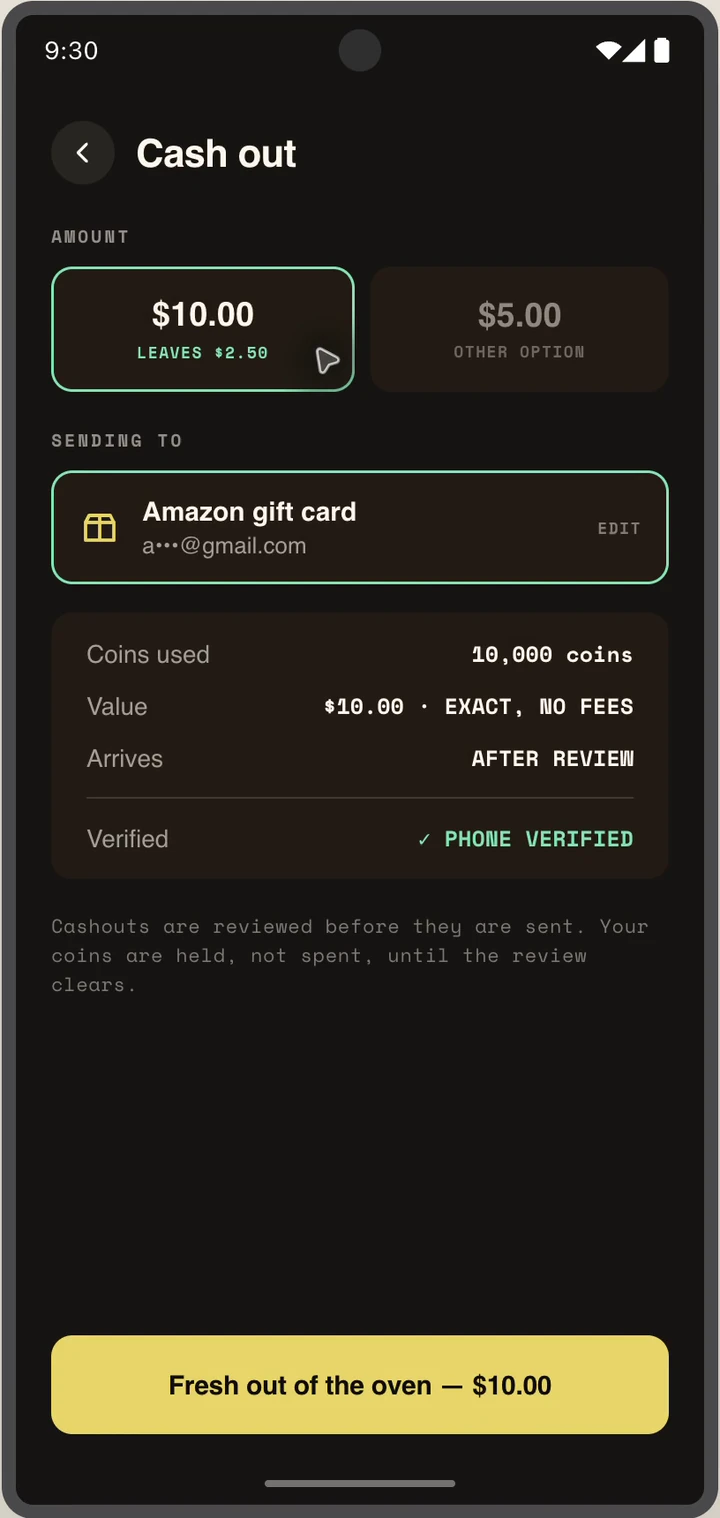
Order review
4
Check the order
Choose a gem bonus
Gem bonus selected
5
Add a bonus
See the total update
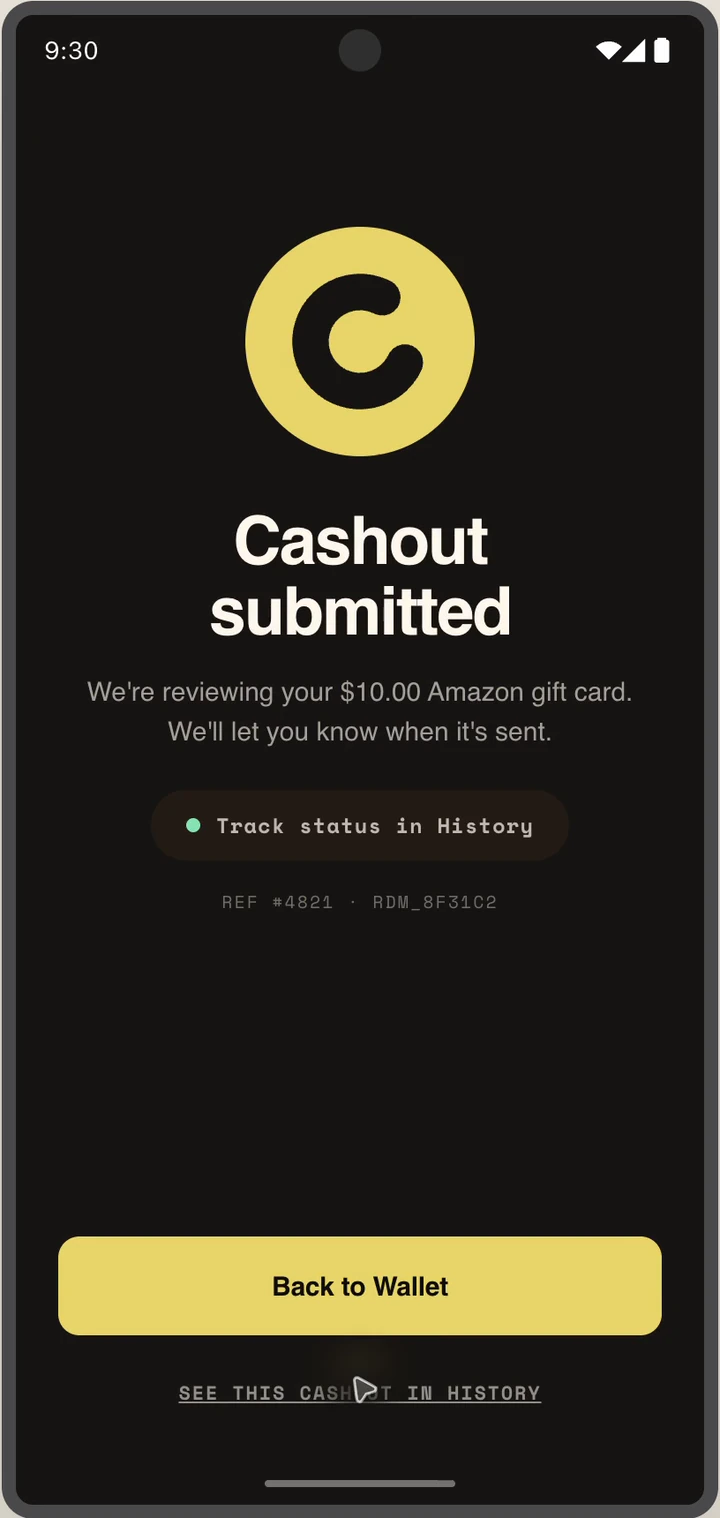
Order received status
6
Track the request
Clear status at every step
07 / ACCOUNT

Get help

Support stays in the app
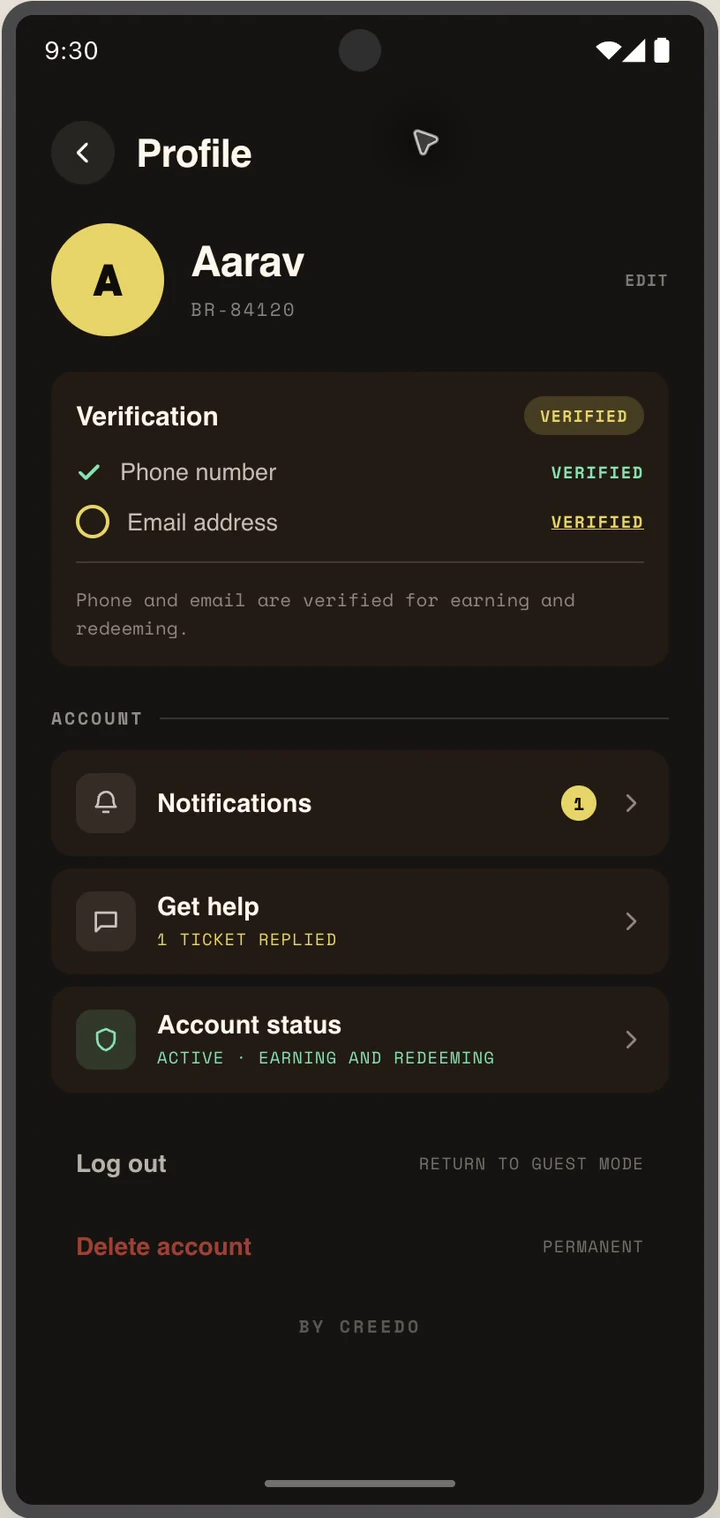
Profile screen
1
Open Profile
Account and verification
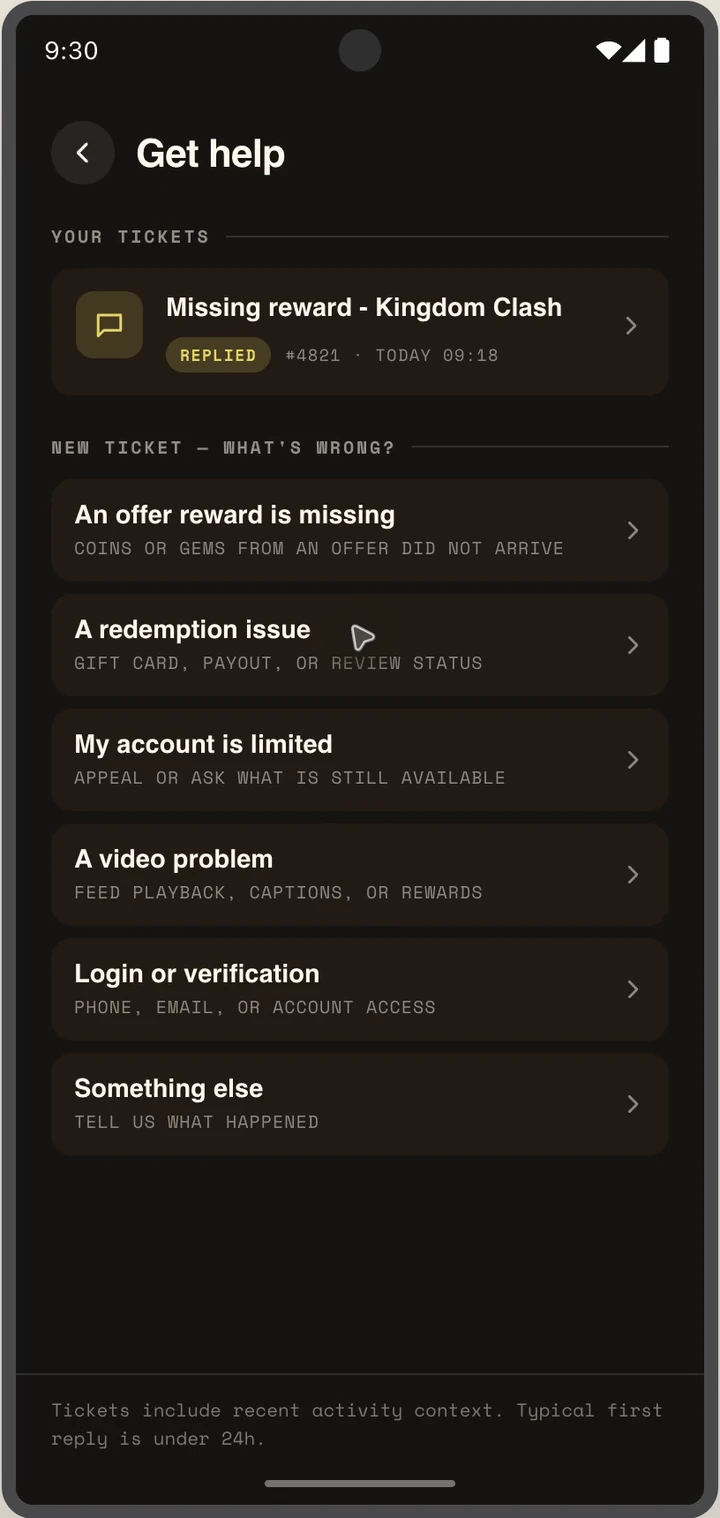
Support screen
2
Choose Support
Find answers or ask
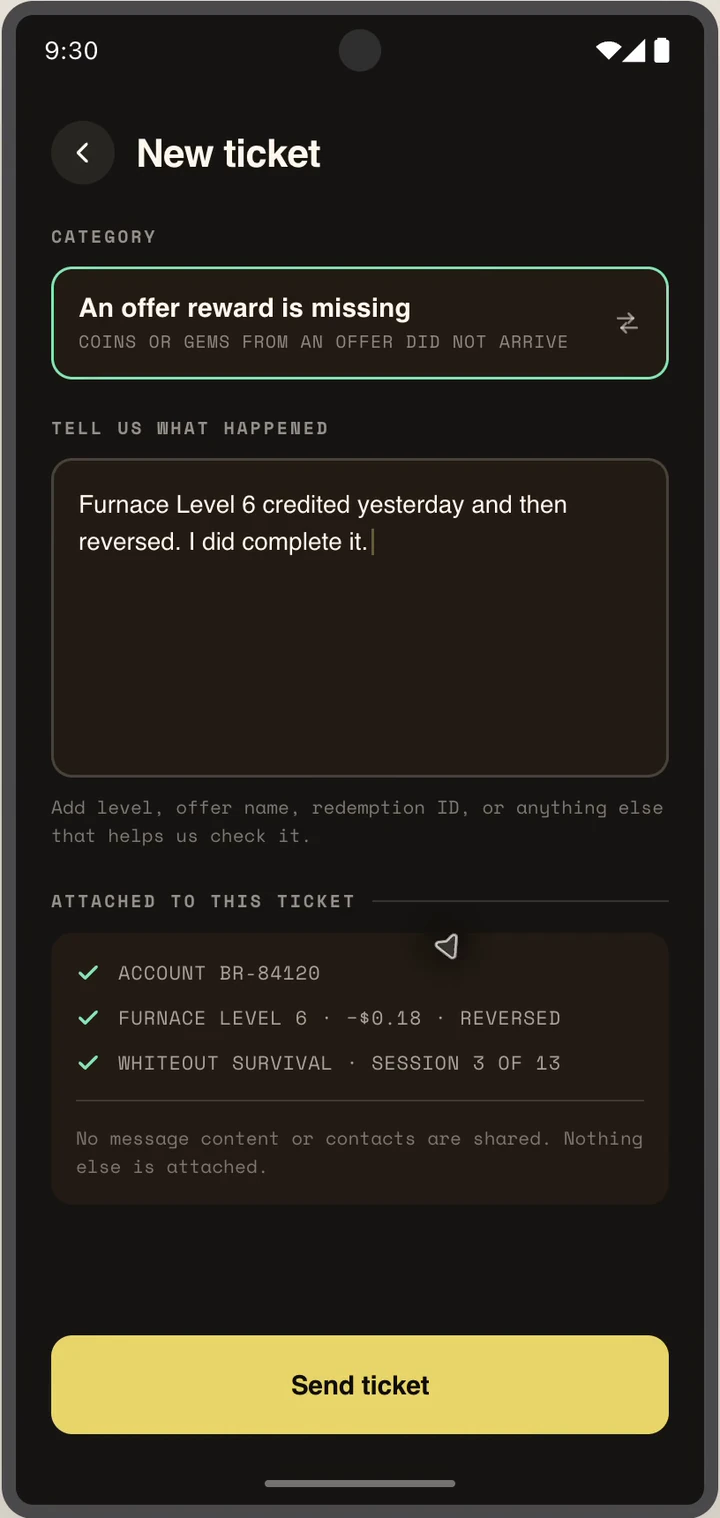
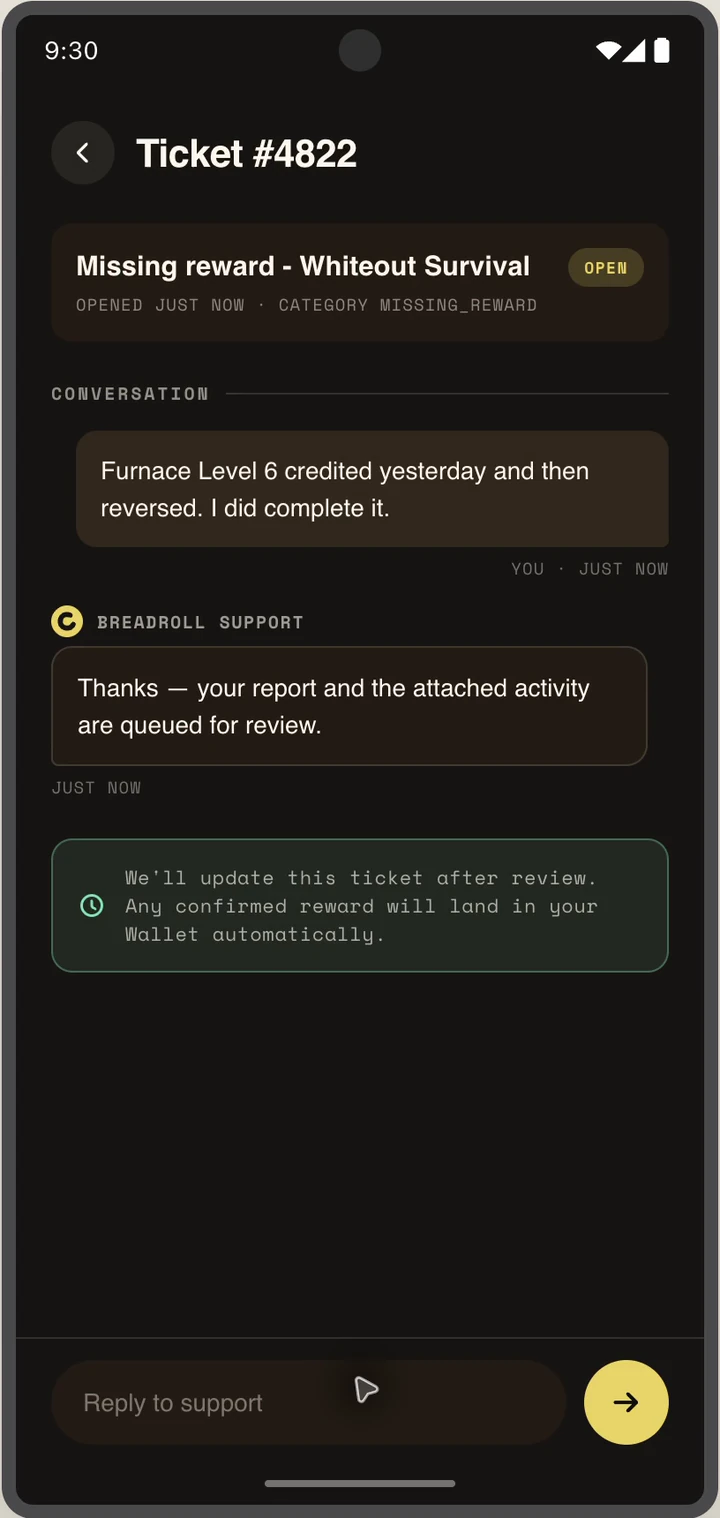
New support request
3
Send a request
No email app needed